Prompt generation
Type a subject or pick an example, then turn it into a custom numbered coloring page.
 Prompt & Paint
Home
Prompt & Paint
Home
Features
Prompt & Paint turns a simple prompt into a numbered page you can color at your own pace, save for later, share when finished, and return to whenever you want a fresh version.
Core tools
The app keeps every step approachable, from the first prompt to the finished artwork.
Type a subject or pick an example, then turn it into a custom numbered coloring page.
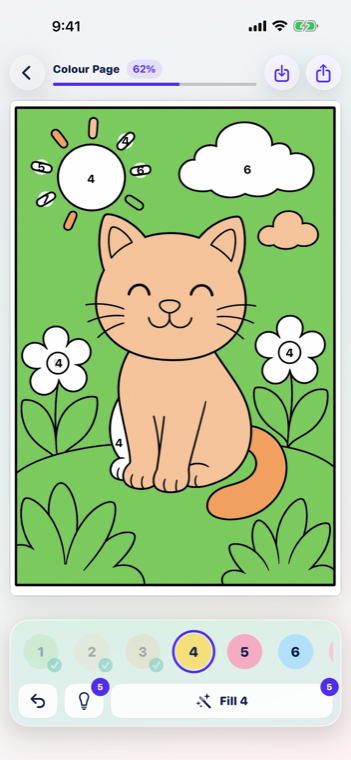
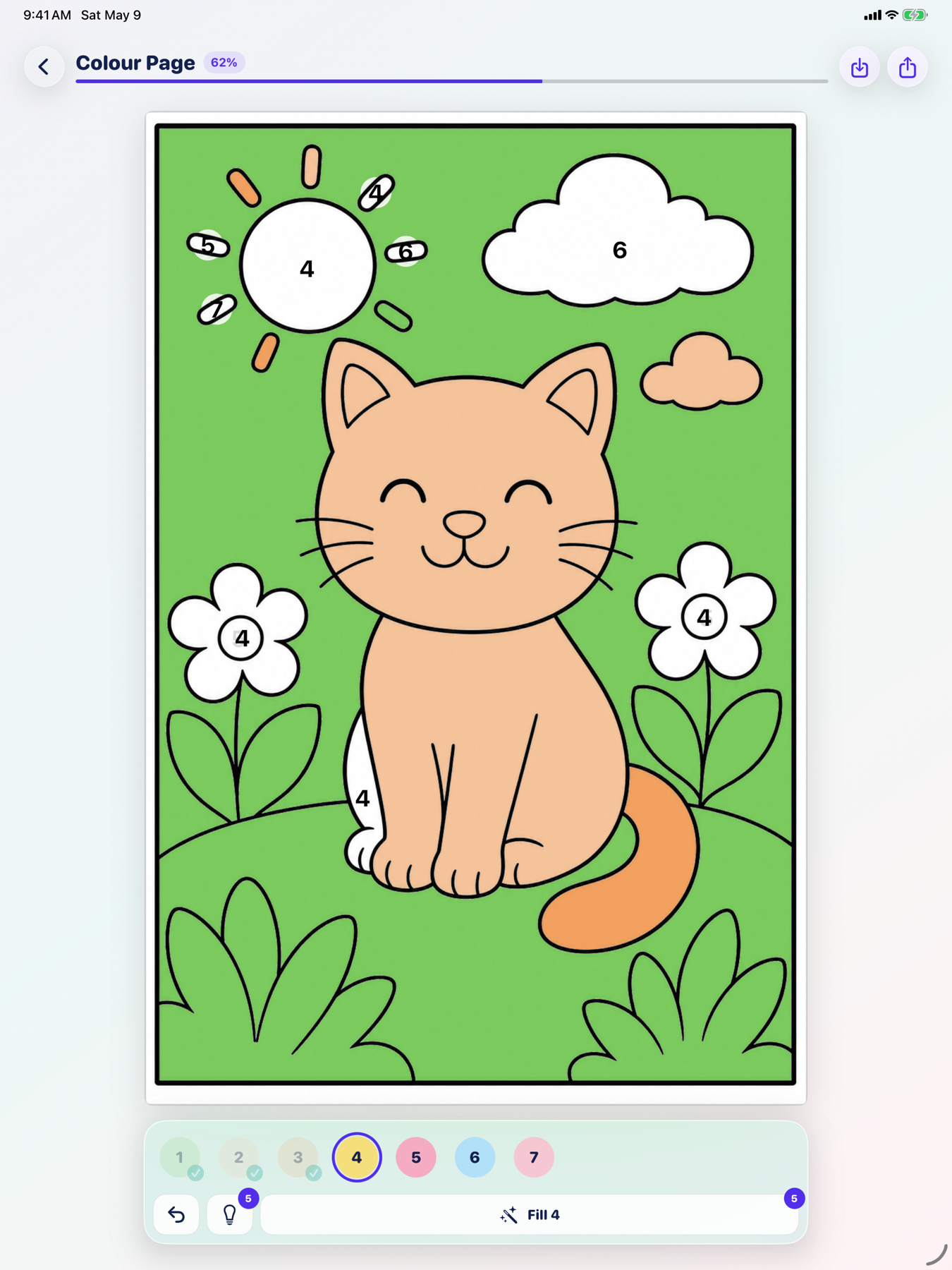
Match colors to numbers, fill each area, and use helpful tools when you want a smoother coloring session.
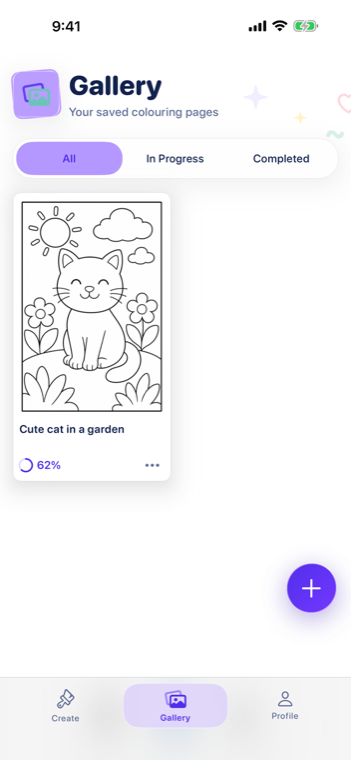
Keep unfinished pages in your gallery so you can pause and come back later.
Save completed pages and share your finished coloring with family and friends.
More ways to color
New page options make it easier to revisit favorite designs or sit down with something more detailed.
Color an existing page over and over again. Start a fresh pass on a favorite design whenever you want to try a new palette, share the page with someone else, or simply enjoy it again.
Generate detailed pages with over double the colorable areas. These richer pages are built for longer, more focused coloring sessions.